
01
Choose the spot
Choose the real place tied to your habit - a gym, studio, library, pool, coworking space, practice room, or your own pin.
 Android accountability app
Choose a place that matters to your habit, set a voluntary 30-day commitment, and check in when you arrive. ShowUp uses your location only while you check in.
ShowUp does one job: it confirms that you reached the place you chose. It does not track workouts, use your location in the background, coach you, or offer rewards.
01
Choose the real place tied to your habit - a gym, studio, library, pool, coworking space, practice room, or your own pin.
02
Choose the commitment amount and how many days you plan to show up. You can also invite a witness. ShowUp shows every term before you confirm.
03
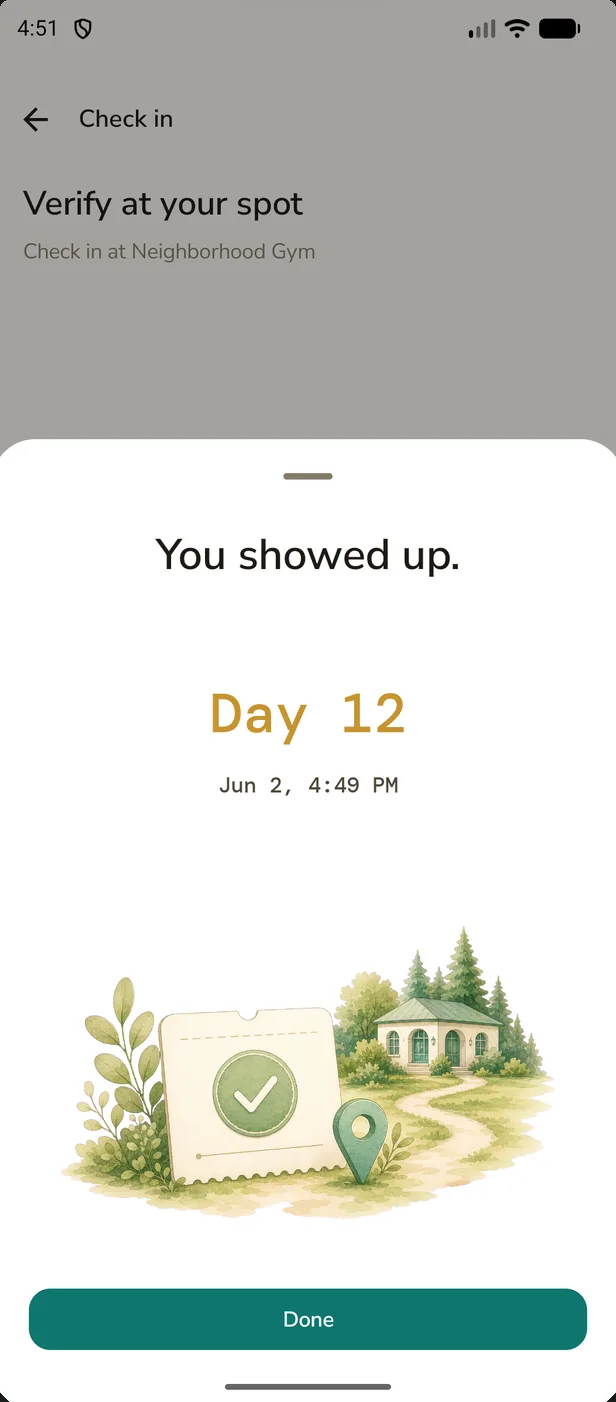
Open ShowUp at your chosen spot and tap check in. The app verifies the visit with your phone's location. Only one check-in can count each day.
04
When the 30 days end, ShowUp shows the result. Meeting the target means no final charge. If you miss it, you can review how the charge was calculated before it is final.
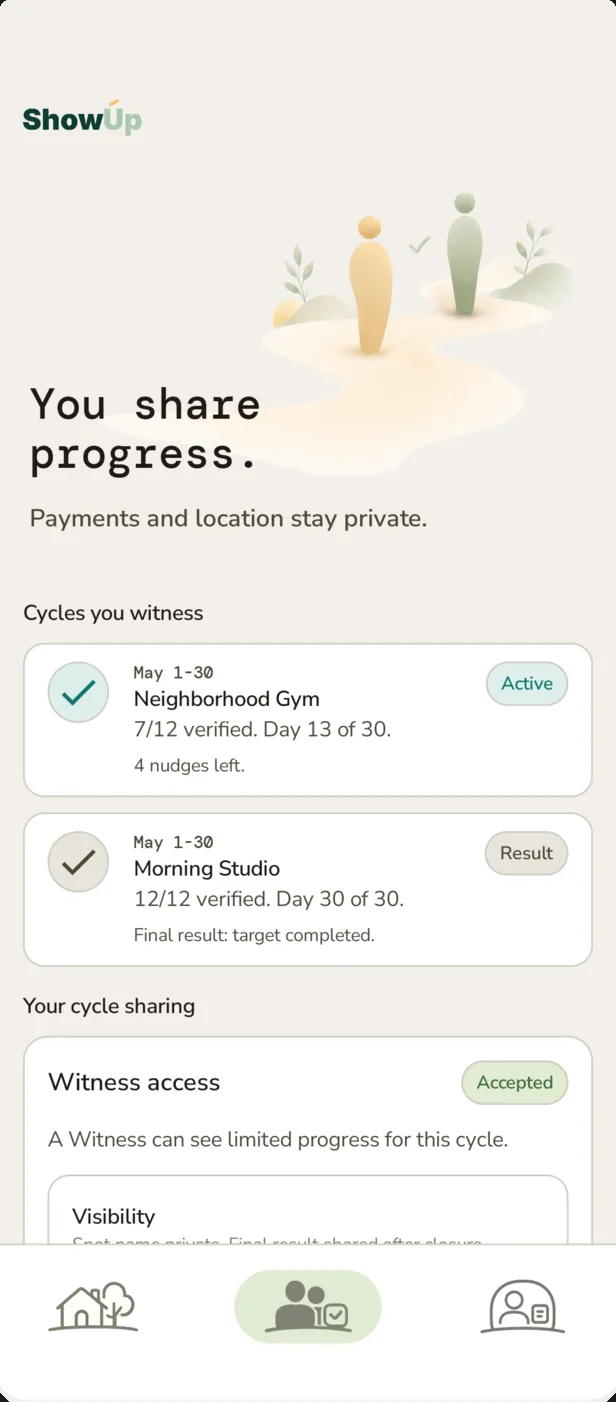
A witness can be a friend, family member, or coach. You send an invite link and they choose whether to accept. After accepting, they can follow your verified progress and send occasional encouragement.
You send an invite link. The witness joins only after accepting it.
Your spot name stays private unless you choose to share it.
The witness can see your final result by default. You can turn that off before the cycle closes.
Payments and exact location are never shared.
A witness can send up to five encouraging nudges per cycle, no more than once a day.
A witness cannot change, pause, or pay for your cycle.
The invite works in a browser, so the witness does not need the app.
These screens cover the full journey: sign in, set up the cycle, check in, follow progress, review the result, and use Witness.
Swipe through all eight product screens.
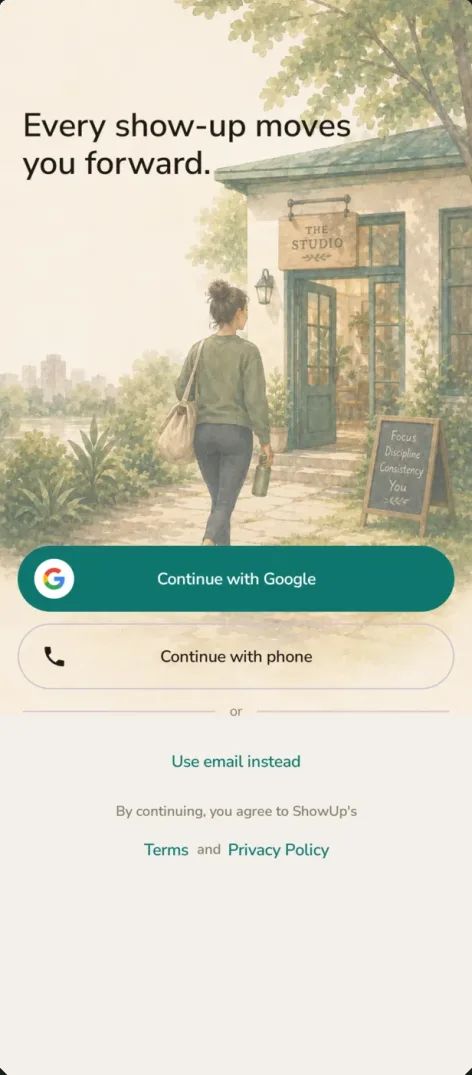
Sign-in
Your spot, active cycle, and past receipts stay with your account. Sign in with Google, phone, or email.
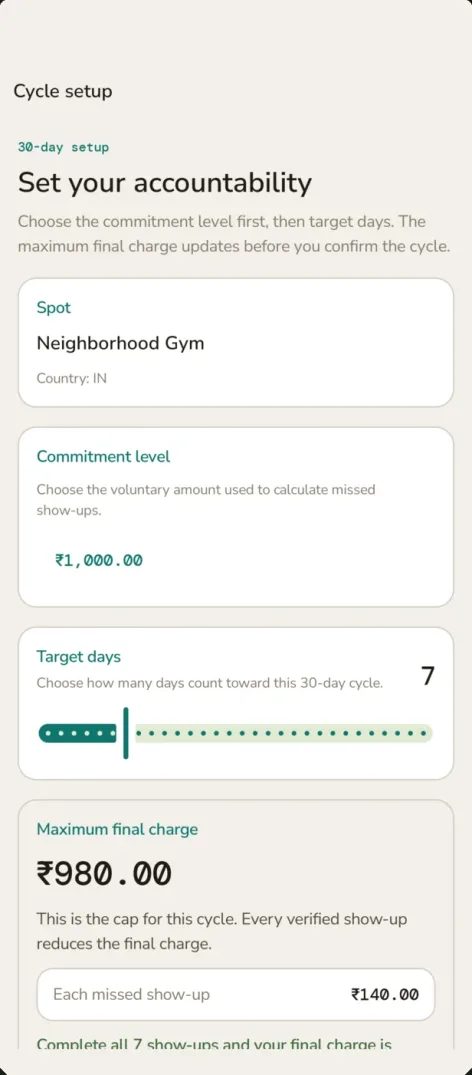
Setup
Review the spot, commitment amount, target days, and highest possible final charge before confirming.
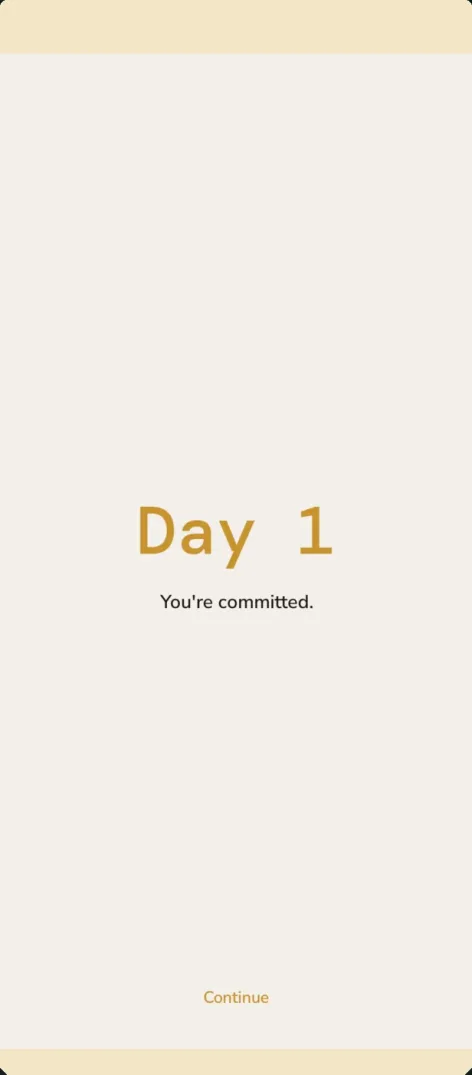
Day 1
Day 1 begins after you confirm: show up at the place you chose.
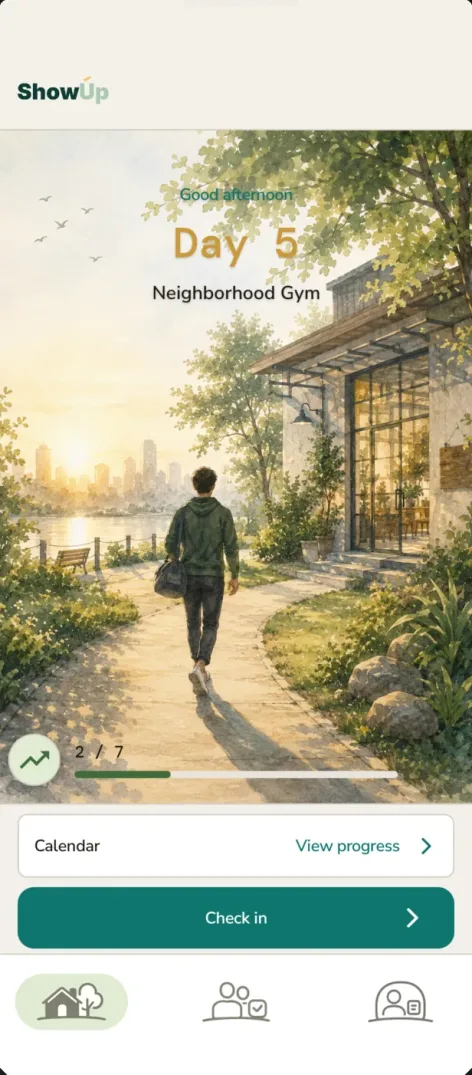
Active cycle
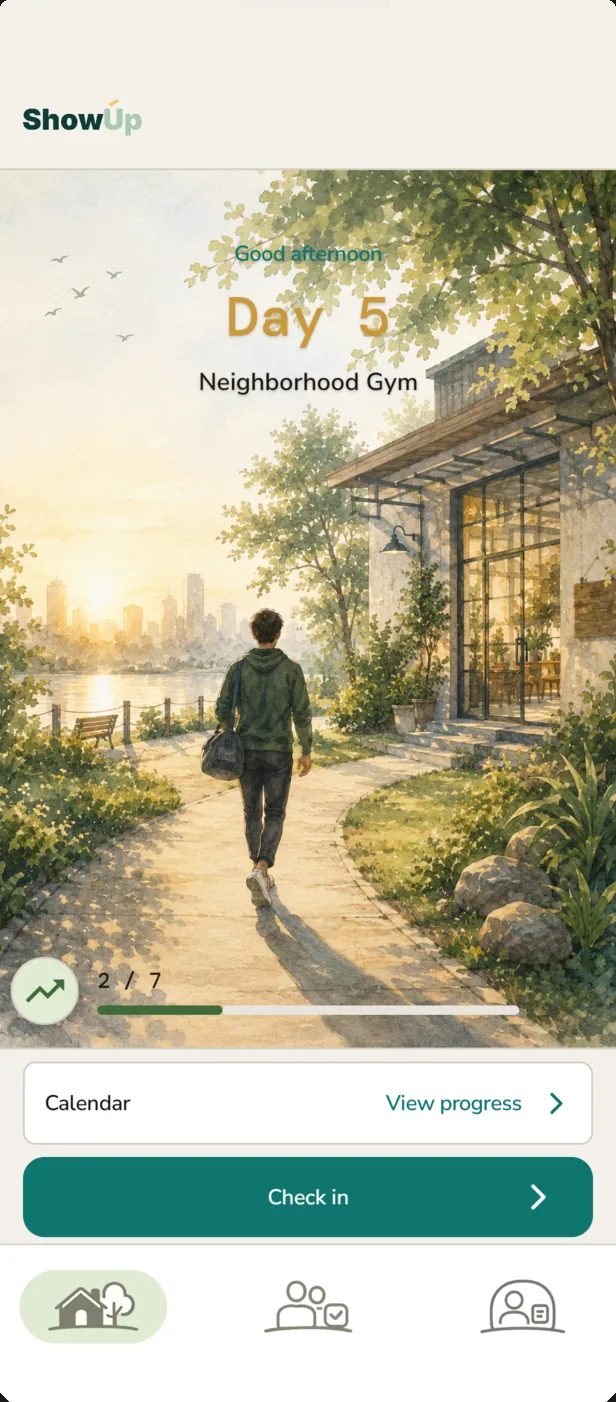
The home screen shows the day, chosen spot, progress, and check-in button.
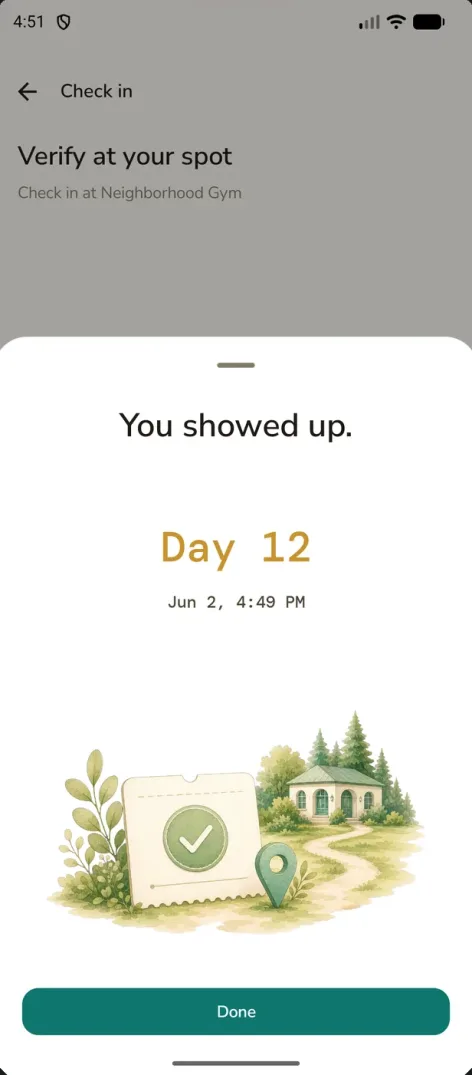
Check-in
A successful check-in records the day and time. ShowUp uses your phone's location only while you check in.
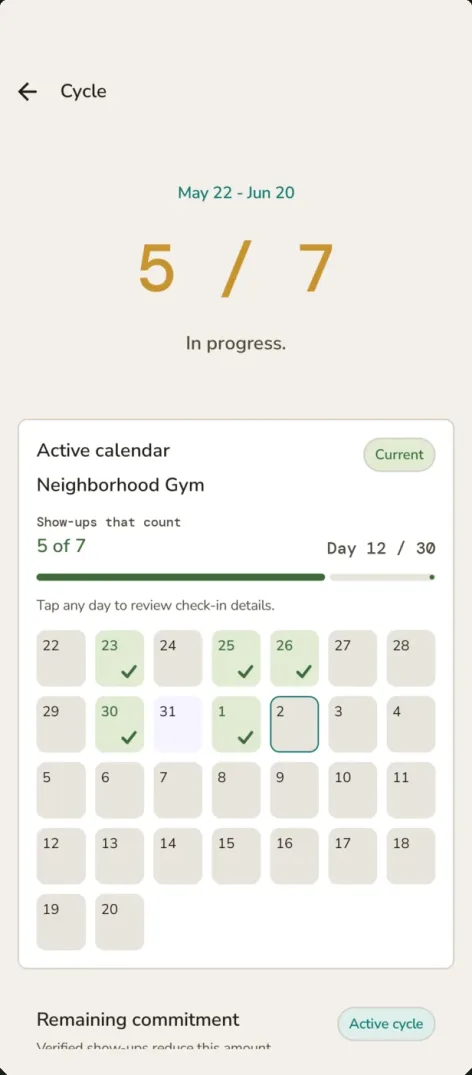
Progress
See which days counted, how many remain, and how close you are to your target.
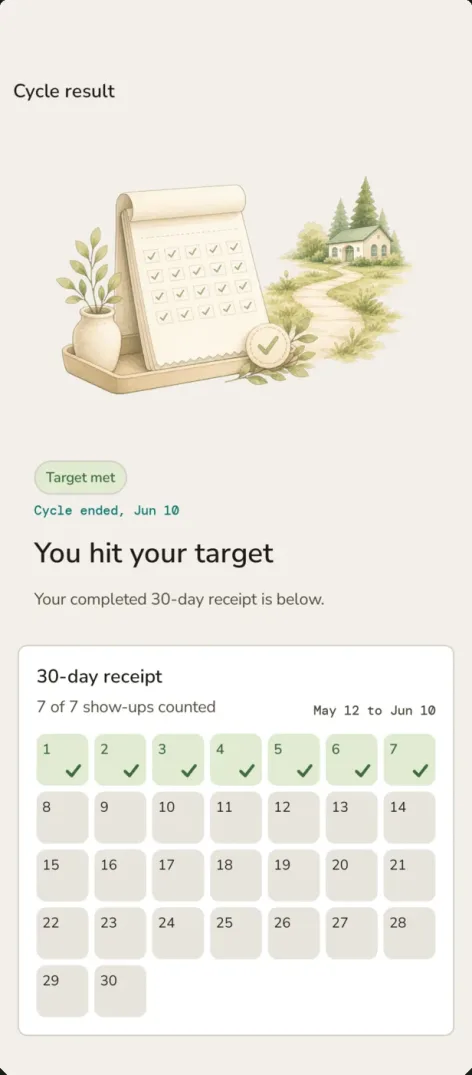
Target met
When you meet the target, ShowUp shows a target-met badge and a receipt listing every verified day.
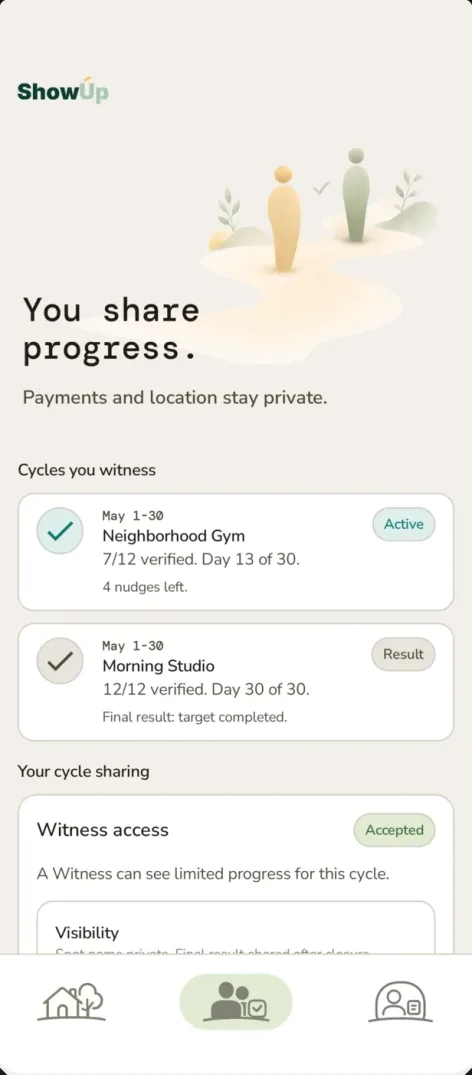
Witness
A witness who accepts your invite can follow verified progress. Your spot name stays private unless you share it. The witness can see your final result by default, but you can turn that off before the cycle closes. Payments and exact location are never shared.
You choose the place. It can be a gym, studio, library, pool, coworking space, practice room, or anywhere else that fits the habit.
Before every paid cycle, ShowUp shows the commitment amount, target, and highest possible final charge. It is an accountability service - not betting or gambling, a prize product, a gym membership, a medical product, or a debt collection product.
You confirm every paid cycle before it starts. The final charge cannot exceed the amount shown.
Nothing renews automatically.
If a charge is due, it goes through Google Play Billing.
There is no card, UPI, Razorpay, Stripe, wallet, or bank-transfer payment option.
There are no prize pools, payouts, odds, or winnings between users.
ShowUp does not use your location in the background, ask for photos or face checks, or track workouts.
There are no late fees, interest, or collections.
You can review how any charge was calculated and contact support.
ShowUp is available on Google Play. Uvbolt runs the Android app, the services behind it, purchases, monitoring, and support.
See who builds and supports ShowUp.
Use the links for privacy, terms, and account deletion. If you need help with ShowUp, contact Uvbolt.